
What is Cloud Storage for Android Phones
Cloud storage for Android phones is a service that allows you to save and access data and files on an off-site server, which can be accessed through the internet or a private network connection. Storing files in the cloud reduces the risk of losing them if your phone is lost, stolen, or damaged.
It also provides the convenience of accessing your files from any device with an internet connection. Additionally, cloud storage offers enhanced security, protecting your files from malware and unauthorized access. Overall, cloud storage is a valuable tool for Android phone users to securely store and access their files on the go.
Benefits Of Cloud Storage For Android
| Benefits of Cloud Storage for Android |
|
- Easily access and share files on multiple devices - Protect your data from loss or damage - Free up storage space on your phone |
Cloud storage for Android offers numerous benefits. Firstly, it allows you to easily access and share files across multiple devices. Whether you're using your Android phone, tablet, or computer, you can access your files at any time. This convenience enhances collaboration and productivity, especially when working on the go.
Secondly, cloud storage protects your data from loss or damage. By storing your files in the cloud, you don't have to worry about losing them if your phone is lost, stolen, or damaged. Your files are securely stored offsite, safeguarding them from any unforeseen incidents.
Lastly, using cloud storage helps free up storage space on your phone. Instead of storing all your files locally, you can offload them to the cloud and access them as needed. This can significantly increase the available storage space on your device, allowing you to install more apps, take more photos, or save more music.
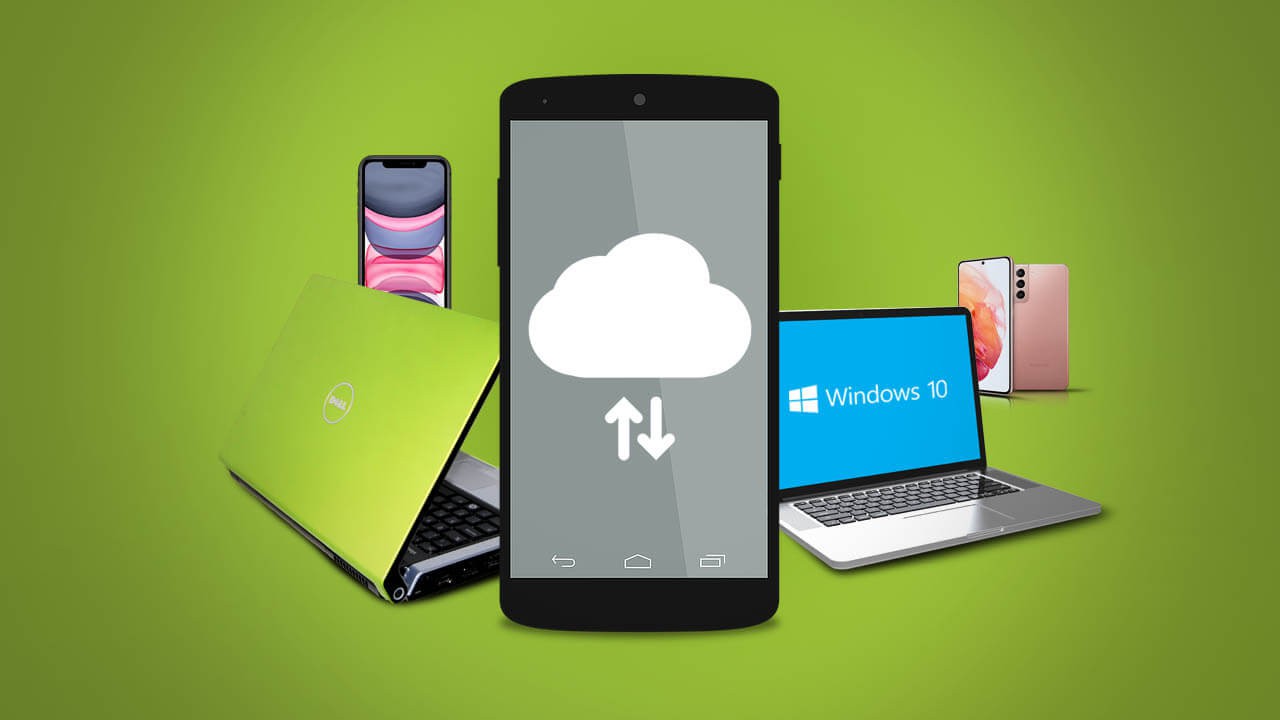
Credit: www.downloadsource.net
Top Cloud Storage Providers For Android
- Google Drive: With its large amount of free storage space and unlimited photo backup, Google Drive is a popular choice for Android users.
- Dropbox: Dropbox offers seamless file synchronization and sharing, making it a reliable option for Android users.
- OneDrive: OneDrive, Microsoft's cloud storage service, provides integration with other Microsoft services and offers generous storage options.
- Google Photos: Google Photos is a great option for Android users who want to backup and organize their photos and videos.
- pCloud: pCloud offers secure and encrypted cloud storage with a user-friendly interface.
- Amazon Drive: Amazon Drive provides unlimited photo storage for Amazon Prime members and offers a range of storage plans for Android users.
How To Use Cloud Storage On Android
Cloud storage is a convenient way to store and access files on your Android device. It allows you to save data and files in an off-site location that you can access through the public internet or a dedicated private network connection. By offloading your files to the cloud, you can reduce the risk of someone accessing your personal information if your device is lost or stolen.
Setting up and syncing your cloud storage account is the first step. Providers like Google Drive, Dropbox, OneDrive, and pCloud offer free storage options. Once your account is set up, you can upload and organize your files in the cloud. This makes it easier to access and download files on your Android device, as they are not taking up valuable space on your device's internal how to enable storage permission on samsung.
Cloud storage also allows you to easily share files with others. You can send a link to the file stored in the cloud, eliminating the need for large email attachments. Overall, using cloud storage on your Android device can help keep your files secure and make them easily accessible.
Conclusion
Cloud storage for Android phones is a convenient and secure solution for keeping your files and data safe. By offloading files to the cloud, you reduce the risk of someone accessing your personal information if your phone is lost or stolen.
Additionally, cloud storage allows for easy accessibility and sharing of files across multiple devices. With various options available, such as Google Drive, Dropbox, and OneDrive, you can choose the best cloud storage solution that suits your needs. Take advantage of the benefits of cloud storage and ensure the safety and accessibility of your files.
 Reviewed by AndroidSparks
on
October 10, 2023
Rating:
Reviewed by AndroidSparks
on
October 10, 2023
Rating:


No comments: